New: Rails Development Tool
Over the past 10+ years I have built quite a few web apps using Ruby on Rails. One of the tools I’ve copied over and over again was one that let me:
- fill forms, like log in forms with some predefined details
- toggle the console for a quick lookup or to fire a Turbo Stream Broadcast
- highlight all Turbo Frames and Stimulus Controllers
- copy the actual resource’s id (ie. the primary key, instead of using the public-facing id)
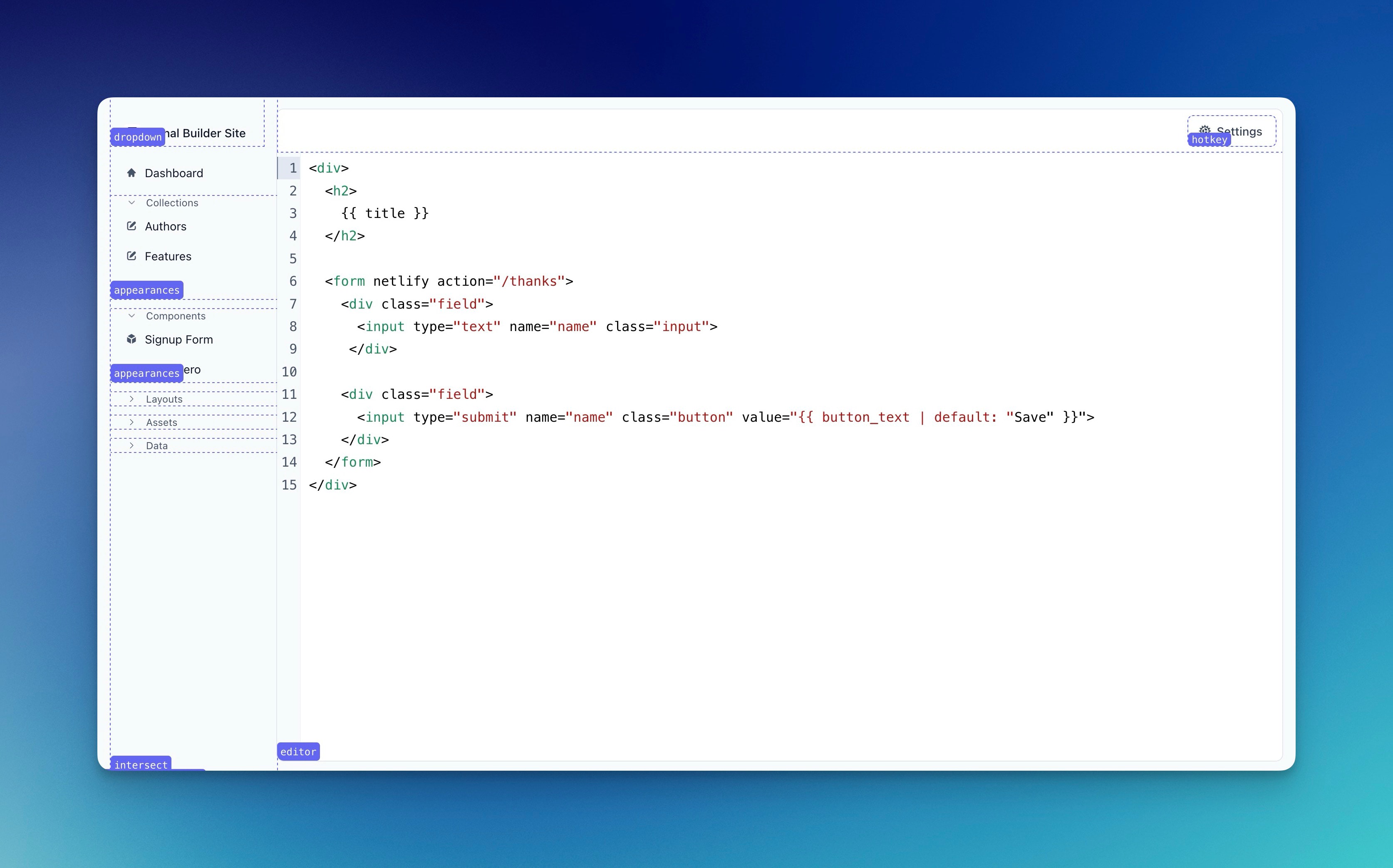
The initial version was pretty simple, but over the years I’ve changed it a bit. It is built using a plain Rails helper and Stimulus (based on the @github/hotkey package, similar to Rails Designers’ GlobalHotkeyComponent.
Now I can type:
-
d f; fill fields with the predefined values; -
d s; fill fields and submit the form; -
d c; toggle the (web)console; -
d t; toggle highlight all Turbo Frames; -
d e; toggle highlight all Stimulus Controllers; -
d x; copy current URL; -
d r; copy the given resource’s id (customizable, you can pass anything).
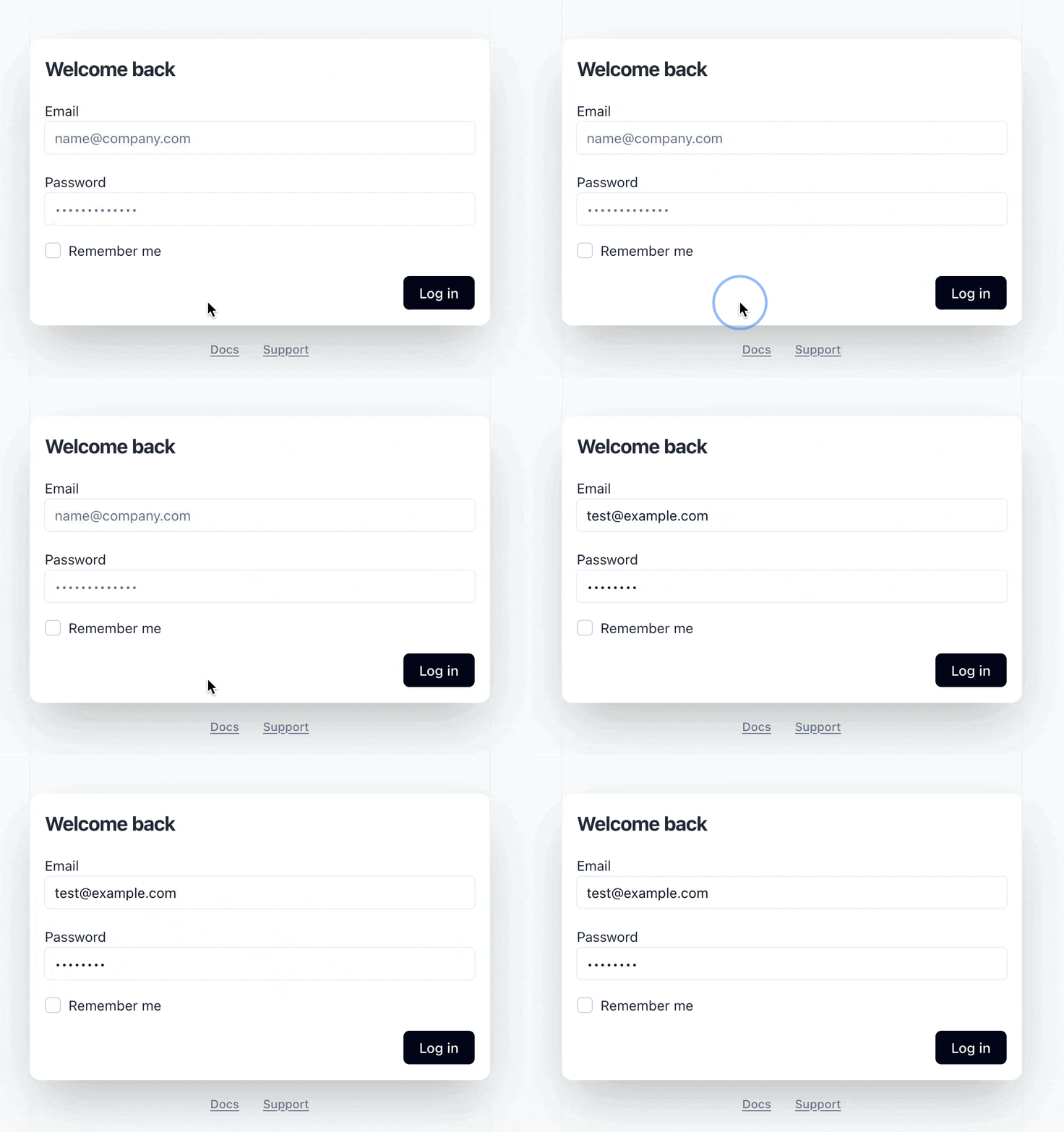
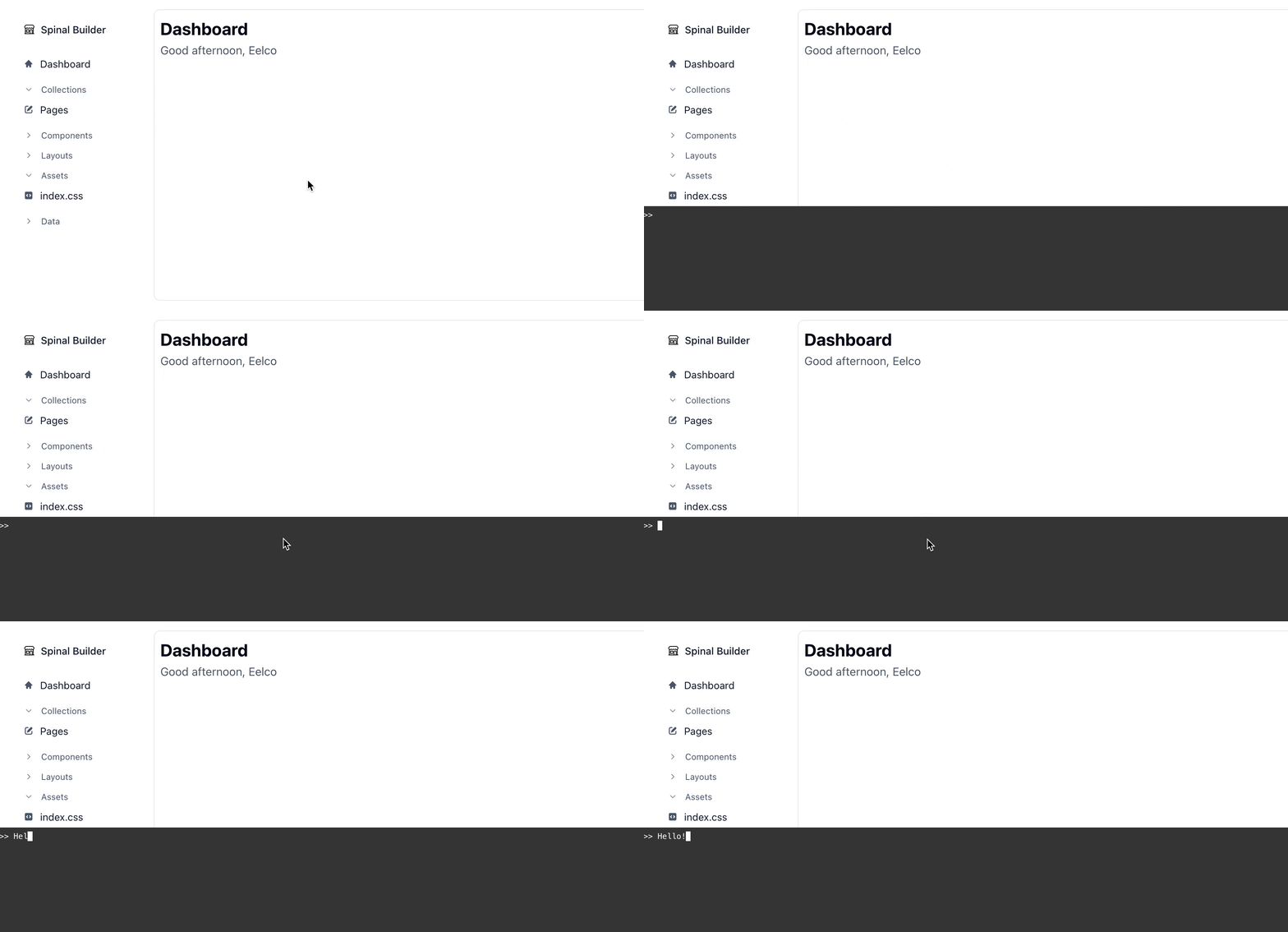
The Rails Development Tool is now available to everyone. Packaged simply as a template, so you own the code and can simply change it, extend and break it!
As I am writing this; would this tool be better as a Rails Gem/Engine? Other things that might be useful to add:
- fire turbo stream responses;
- hotkeys for quickly running certain commands in the console (user-customizable);
- and so on.
The cons of a gem is another dependency to keep up to date (in your app, but also as a maintainer). Pro is: invite us to help it improve it; which is trickier with the current packaging. What do you think?
Want to read me more?
-
Console Utilities You (Didn't) Know
Stop using `console.log` for everything! JavaScript has many other console utilities that can help you debug your JavaScript code faster. -
Hotwire and Stimulus Tools You Need to Know
The best Turbo and Stimulus tools you need to know. -
How to Create a Stimulus Toggle Class Controller
A simple to use Stimulus controller to toggle classes on an element. Ready to be copied and pasted into your app.
Over to you…
What did you like about this article? Learned something knew? Found something is missing or even broken? 🫣 Let me (and others) know!
Comments are powered by Chirp Form
{{comment}}