Component Generator
All of the components can be used in your app, by selecting the Run Generator button at the top-right of each component.
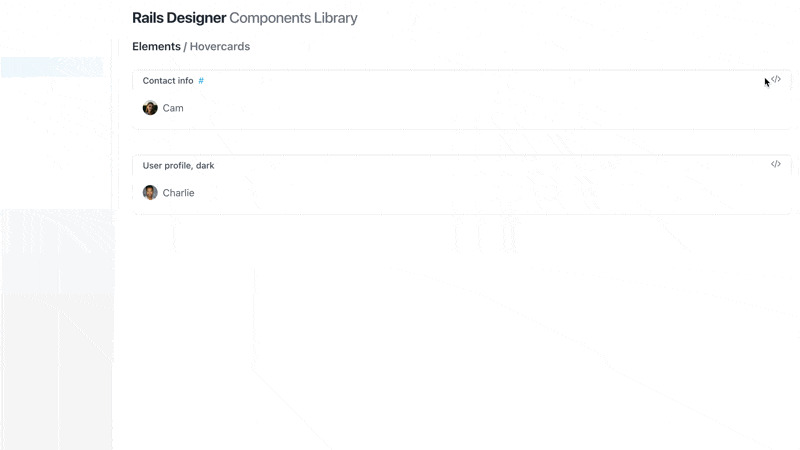
Note: With Post Generator Actions enabled, they will automatically execute, requiring no further action from you.
If you prefer, you can also run the the generator command manually, like this:
bin/rails generate rails_designer:component Elements::Badge
Notice how it is similar to the ViewComponent generator? The biggest difference is the part after rails_designer:component (Elements::Badge). It consists of at least two parts:
- category (eg.
Elements) - component name (eg.
Badge)
This matches the categories in the Components Library.
In rare cases a component is nested, like so: Elements::Avatar::Grouped. This usually happens when the component uses another component as a base (eg. AvatarComponent).
Optional resource
Some components allow an optional resource attribute, the AvatarComponent for example. The command to run then becomes:
bin/rails generate rails_designer:component Elements::Avatar Person
Here Person is passed as the resource attribute (default could be User). That is because, the AvatarComponent, uses ActiveStorage to check for an attached avatar.
Help
Add the --help flag to view the command’s help.
bin/rails generate rails_designer:component --help